1
Bring in your loop
Drop a sample, or let it listen.
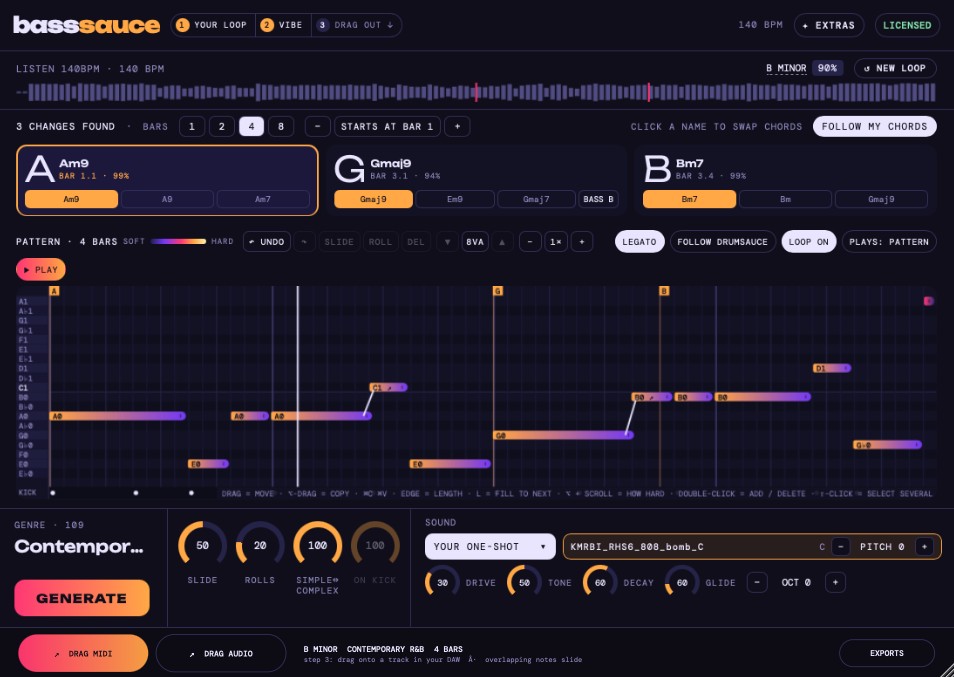
- Drop a sample a loop, an audio file or a MIDI file
- Listen or let it listen to your track in your DAW
- New loop start again with another loop
2
Your chords
It finds the changes for you.
- Changes every chord it found, with the bar it starts on
- Swap click another name on a card to swap the chord
- Follow my chords play chords on the track and the bass follows
3
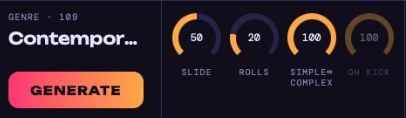
Genre & Generate
Pick a style, then press one button.
- Genre 109 genres, from trap 808s to walking neo-soul
- GENERATE a new bassline every press
- Shape slide, rolls, simple to complex, on the kick
4
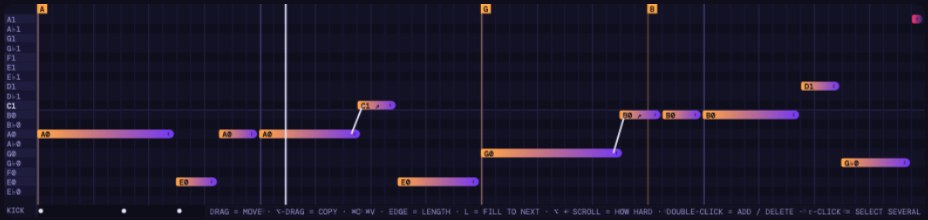
Edit it right here
A piano roll inside the plugin.
- Drag move notes, drag the edges for length
- Legato notes ring into each other
- Follow DrumSauce the bass locks to your DrumSauce kick
5
Your sound
The right bass for the genre.
- Sounds 808, Reese, Sub, Analog, Log Drum, Finger, Upright
- Your one-shot or drop in your own and it plays in tune
- Tone drive, tone, decay, glide and octave
Specs
- FormatsMac AU + VST3 · Windows VST3
- SystemsApple Silicon + Intel · Windows 10/11
- Works inLogic, GarageBand, Ableton, FL Studio + more
- LicenseOne-time · 3 computers · works offline
- UpdatesFree
- Guarantee30 days money back
$39
One-time · Mac + Windows · 30-day money-back guarantee
Get BassSauce → Or get all 11 tools in the Plugin Bundle for $99